The window manager you didn't know you missed
Divide your screen, increase your productivity.
Made for
Version 2.2.1. Changelog.
How does MaxTo work?
Step 1
Divide
It is easy to divide your monitor into the exact regions you want.
Step 2
Conquer Maximize
The window will automatically go into the region underneath the mouse cursor.
Step 3
Drag
Put any window into a region by holding Shift while dragging.
Only have one monitor?
Virtual desktop support
You can keep a different set of regions open on each virtual desktop.
Use our handy setting to choose if you want each virtual desktop to have its own set of profiles.
Only works on Windows 10. Because only Windows 10 has virtual desktops.
Presets for everything
Quickly load and save different regions
With MaxTo's presets, you can quickly load up your favorite regions whenever you need them.
Assignable to hotkeys
The quickest way to load a set of regions is by assigning a keyboard shortcut. Learn more.
Load in the UI
You can see a preview of the presets you are applying when you edit your regions.
Get your workday started
Launch and place multiple programs at once
Using our powerful Recipes features, you can start the programs you need, and place them where you want them.
Assignable to hotkeys
Set up a recipe that launches and places your windows when you press a keyboard shortcut. Learn more.
From a script
Anything you do using keyboard shortcuts can be done with scripts.
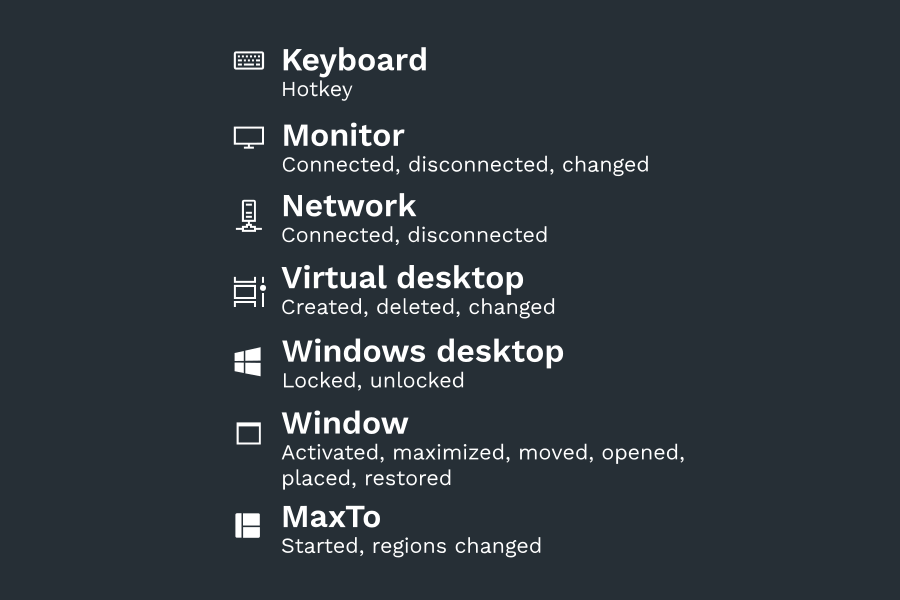
Run recipes when something happens
Automate your workday by using recipe triggers New!
Run recipes when something happens
With 19 different triggers, MaxTo should be able to adapt to any situation, and automation is easier than ever. Learn more
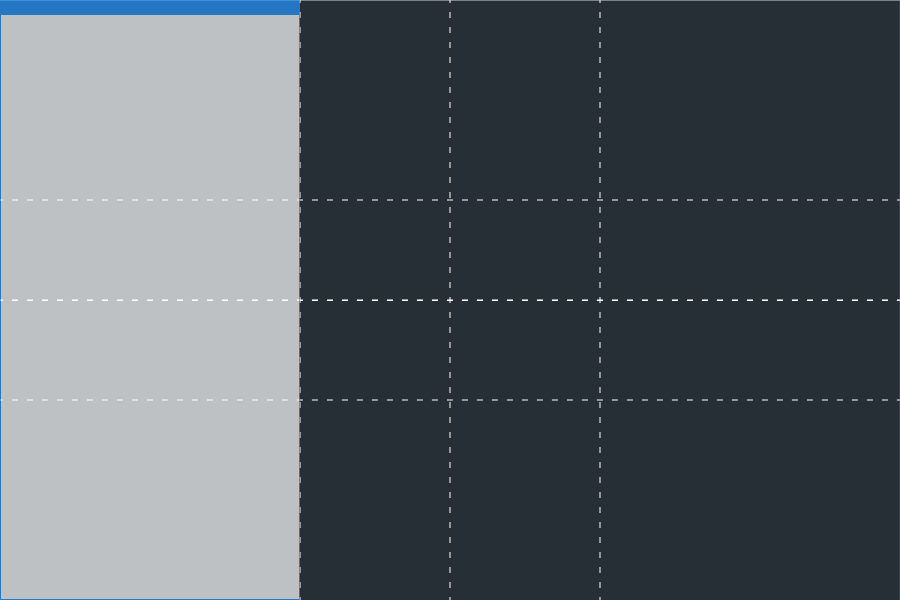
WinSplit mode
MaxTo supports the same keyboard shortcuts as WinSplit Revolution. New!
MaxTo added support for the WinSplit Revolution keyboard shortcuts in version 2.1.
Use Ctrl+Alt+NumPad shortcuts to quickly line up windows into thirds of your monitor, regardless of your region settings. Learn more
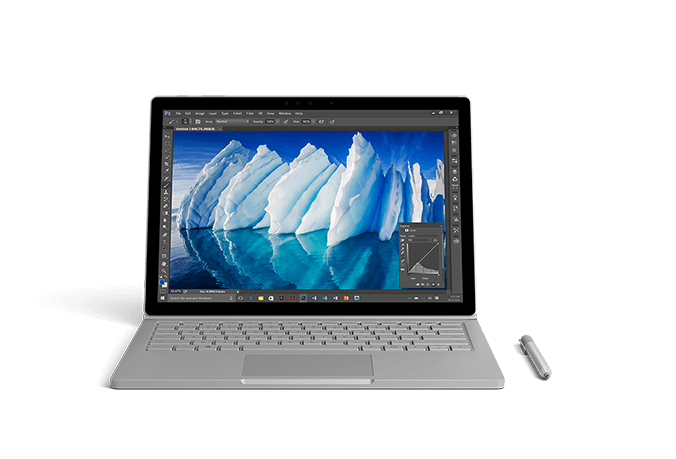
Required for ultra-wide productivity
Turn that ultra-wide monitor you bought for gaming into an extremely productive work environment.
Required for ultra-wide productivity
Turn that ultra-wide monitor you bought for gaming into an extremely productive work environment.
Works everywhere
We know how Windows works
MaxTo integrates directly with Windows, so you can keep your old habits.
Great multi-monitor support
MaxTo works with all your monitors. Even that old CRT that you should have thrown out years ago. Learn more.
Made for Windows
MaxTo works with all versions of Windows since Windows 7 (SP1). It fully supports 64-bit and 32-bit programs, and works well with UAC. Learn more..
Command line support
Super-charge your day with our command line support New!
Use MaxTo as part of your startup scripts to put your programs where you want them. Learn more.
C:\> maxto window move /window "notepad" /direction up

C:\> maxto window center /window notepad /monitor 2

C:\> maxto preset apply /name "Vertical split"
Keyboard shortcuts
Use keyboard shortcuts to work quicker
You can set up MaxTo's keyboard shortcuts in any way you'd like.
Default hotkeys
MaxTo has a generous set of default hotkeys that makes it easy to get started. Learn more.
Create your own recipes
You can create your own recipes, which can be assigned to keyboard shortcuts. Learn more.
Used all over the world
Some of our customers
MaxTo is trusted by many large corporate customers.
We work with Microsoft
As a Microsoft Silver Partner, we know how to develop software for Windows.











Pricing
We keep it simple
Personal
€29
You pay once. Your license is valid forever.
- Updates included forever
- Valid for machines you own personally
- E-mail support included
Business
€19/user/year
Get updated versions and support.
- Licensed per user/year
- Priority support
- Discounts available